To open the applications module from the Learner Details screen, do one of the following:
-
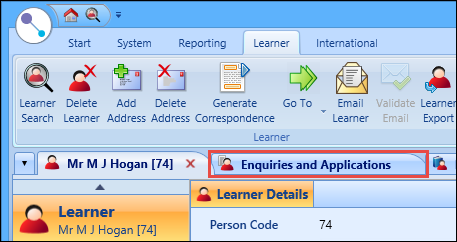
Select the Enquiries and Applications tab
-
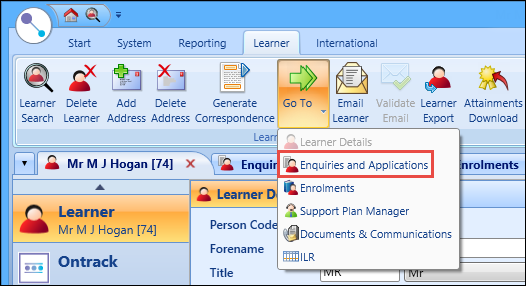
Select the Go To button on the Learner ribbon and select the Enquiries and Applications option
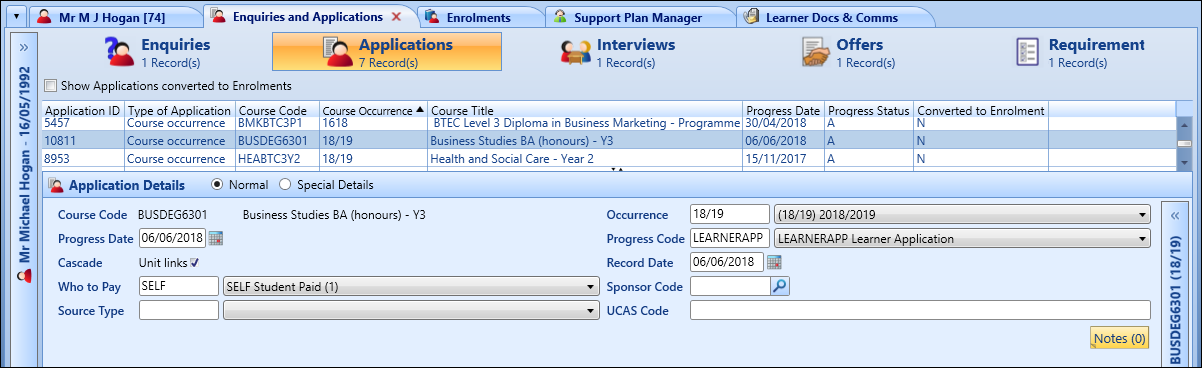
The Enquiries tab is positioned on the left of the screen and displayed by default. Select the Applications tab to display any courses the learner has applied for. You can use the Applications screen to view details for each application listed, to add further information, and to add new applications. You can also delete application records if required.

Select an application in the Applications grid to view the details in the Application Details section.
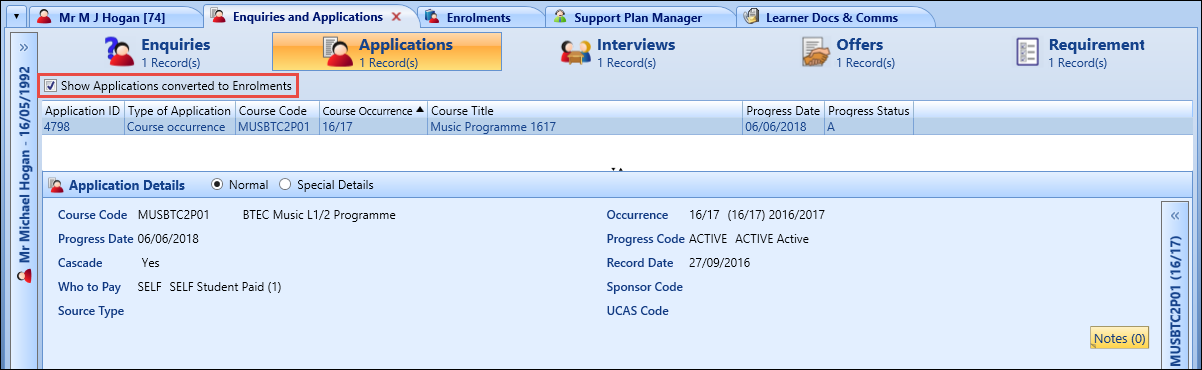
When you have accessed the applications module, you can: